买aws代金券,就到 AWS Shop
AWS Shop 便宜好用的aws代金券
使用教程
代金券的兑换
登录AWS账号之后打开兑换积分控制台,按照下图示意填写,再点击 “兑换积分”,即可兑换代金券。

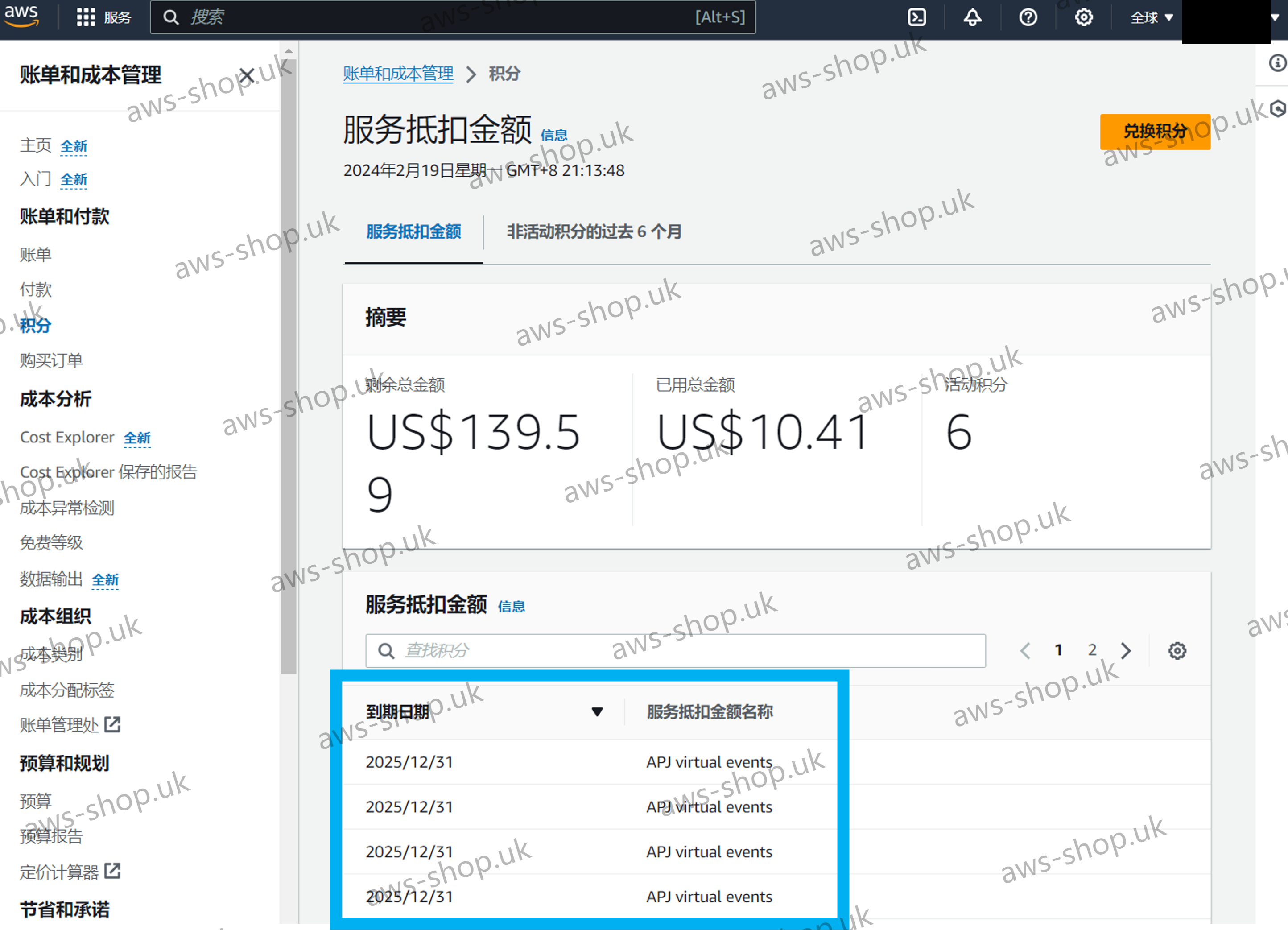
在积分控制台,可以查看已经兑换的积分。
查看抵扣情况
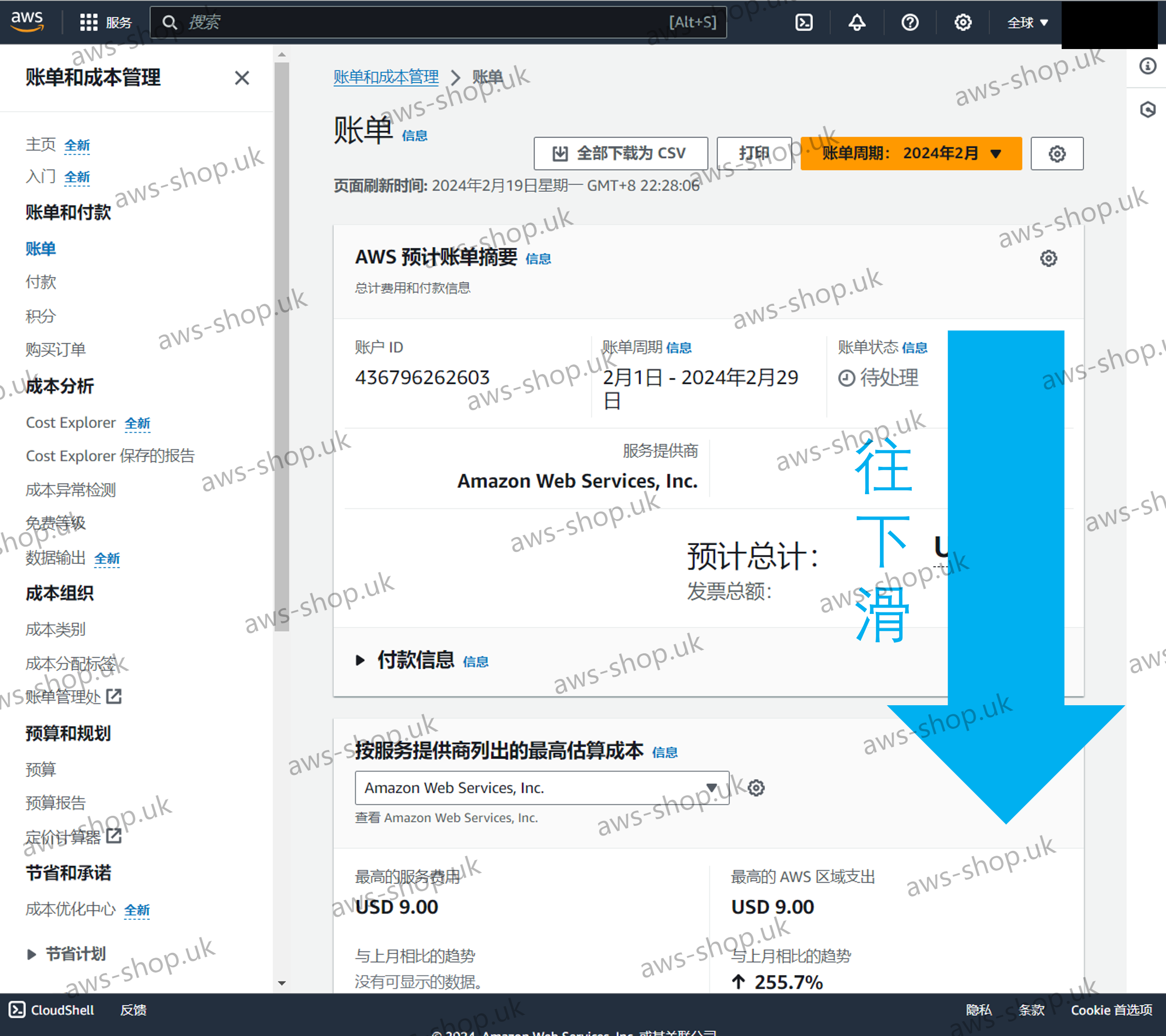
打开AWS账单面板,先将页面往下滑。
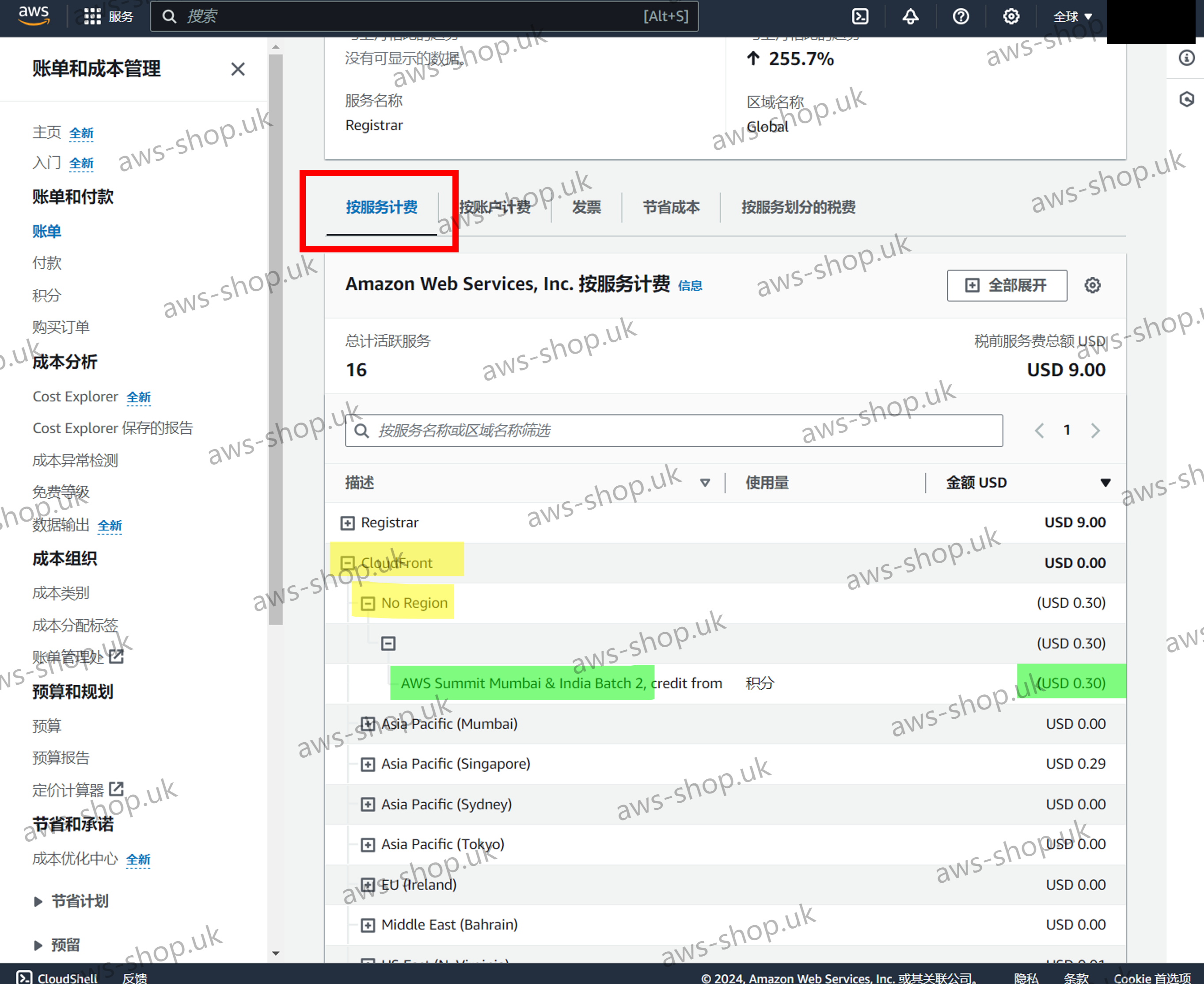
在按服务计费中,可以查看代金券的抵扣情况。
在下图的这个例子中,点击CloudFront左侧的 + ,再点击下面的 No Region,即为 CloudFront 的代金券抵扣情况。左侧绿色高亮的为代金券批次,右侧绿色高亮的为已经抵扣的金额。从图中可以看出,批次 “AWS Summit Mumbai & India Batch 2” 的代金券抵扣了 USD 0.30 的费用。